
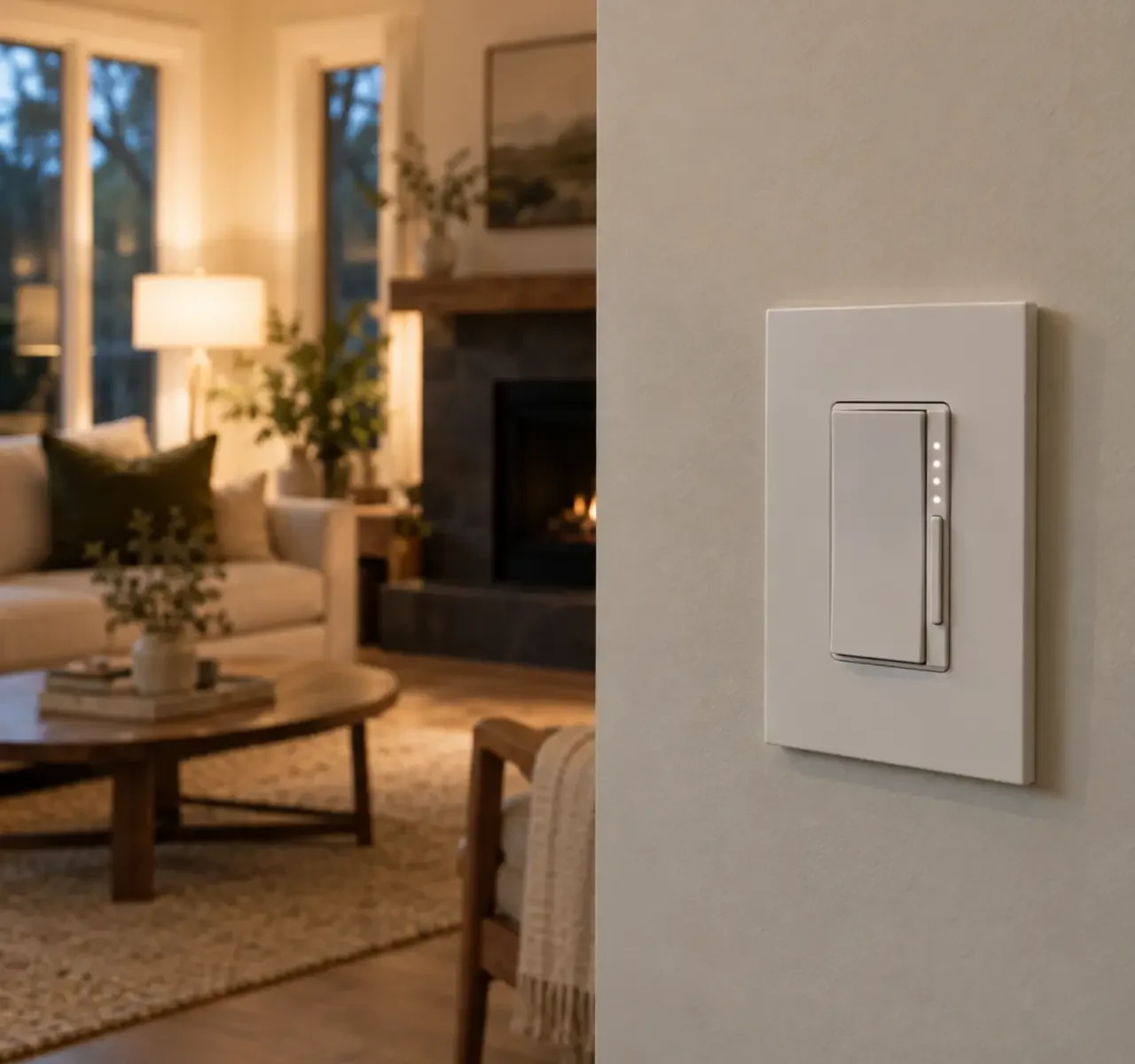
Why do LED lights flicker or buzz on a dimmer?
The LED driver and dimmer may not be compatible, the load may fall outside the control range, the low-end setting may be wrong, or the wiring and multi-location arrangement may need assessment. A product labelled dimmable is not automatically compatible with every dimmer.
Connected controls add questions about neutral conductors, wall-box space, hubs, Wi-Fi, manual operation, schedules, and what happens when the network is unavailable. Start with the behaviour the household wants, then choose the simplest reliable system that supports it.
Choose control by behaviour, not features alone.
Reliable dimming
Reach useful low levels without visible flicker, buzz, dropout, or uneven startup.
Multi-location control
Keep familiar control at each entrance while using compatible companion devices.
Exterior scheduling
Coordinate timers, photocells, and manual override for useful light after dark.
Connected scenes
Group practical zones without making basic operation depend entirely on an app.
The wall control and LED electronics form one system.
Compatibility depends on more than voltage. Driver design, load, wiring, and control method shape performance.
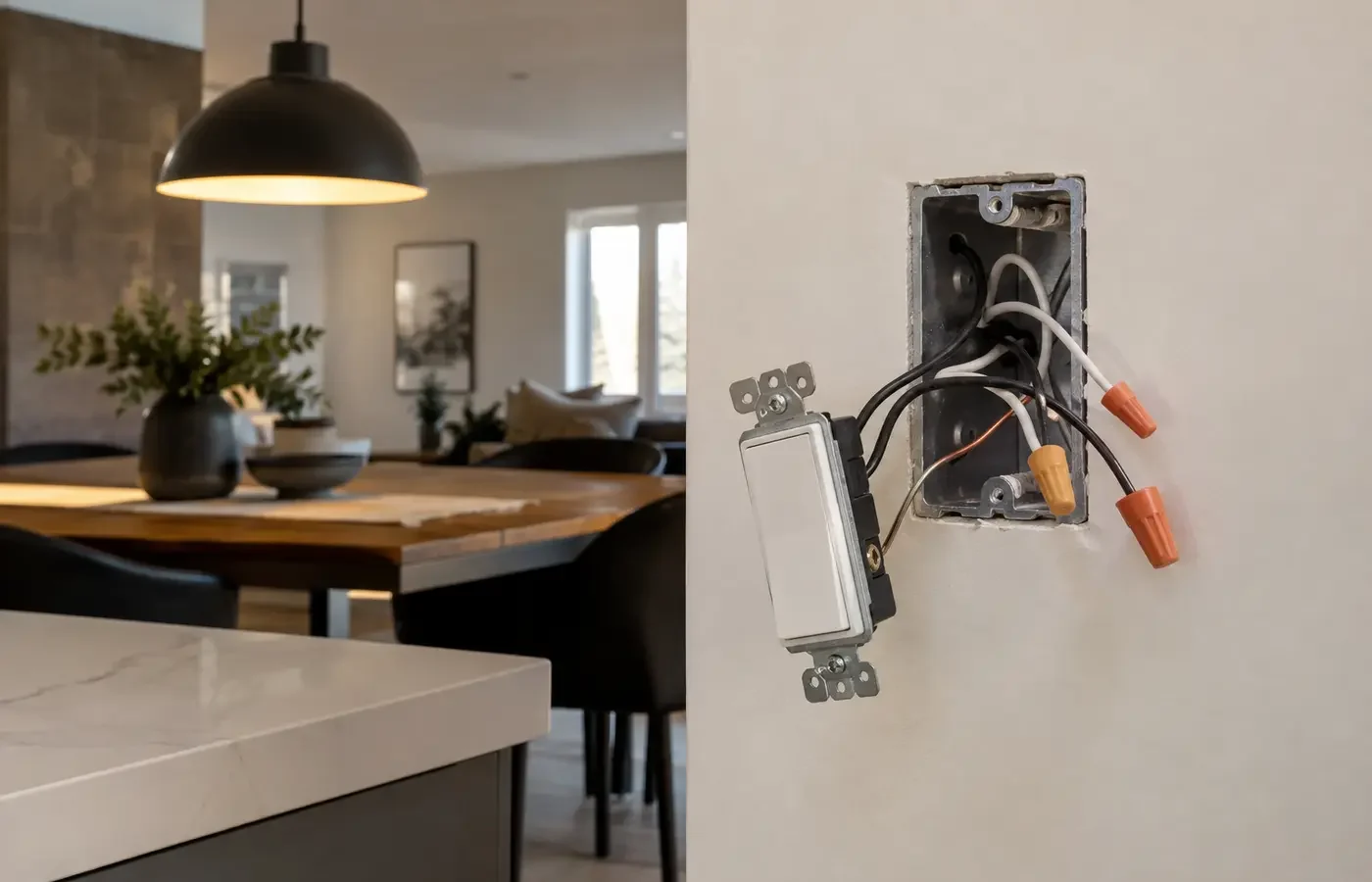
| Condition | Why it changes the plan |
|---|---|
| Driver compatibility | Manufacturer compatibility information and real load conditions influence stability. |
| Minimum and maximum load | Very small LED loads or overloaded controls can behave poorly. |
| Neutral conductor | Some smart controls require one; do not assume it is present from switch appearance. |
| Multi-way wiring | Traditional companion locations may need specific compatible devices or rewiring. |
| Wall-box capacity | Device depth, conductors, connectors, and heat limits affect fit. |
| Network dependency | Manual control, local schedules, hub, cloud, and recovery behaviour should be understood. |
Describe what should happen at the wall and without the app.
A control quote should specify the connected load, device family, wiring assumptions, and intended normal/fallback operation.
- Fixture or driver models, quantity, wattage, and published compatibility where available
- Existing switch locations, wiring arrangement, neutral requirement, box capacity, and circuit
- Dimmer type, low-end adjustment, companion devices, and multi-location behaviour
- Timer, sensor, photocell, hub, Wi-Fi, app, voice, and manual-override requirements
- Grouping, schedules, scenes, user access, and behaviour during network or power loss
- Testing across dimming range, setup responsibility, notification, cleanup, and documentation
Keep everyday operation understandable.
Conventional LED dimmer
A strong choice when reliable wall control and good low-end performance are the main goals.
Smart wall switch or dimmer
Adds schedules and remote features while preserving a familiar physical control.
Sensor, timer, or photocell
Can automate entrances, utility areas, and exteriors without adding unnecessary app dependence.
Move from the goal to a confirmed scope.
Document the starting point
Begin with fixture, lamp, driver, and current dimmer model information and photograph of each switch location and number of control points.
Review the conditions
Work through driver compatibility, minimum and maximum load, product suitability, access, and control before fixing the scope.
Compare written inclusions
Confirm fixture or driver models, quantity, wattage, and published compatibility where available plus the access, finishing, notification, testing, and change assumptions.
Coordinate the next step
Describe the Desired Behaviour once the important unknowns and responsibilities are visible.
Treat local context as a project condition, not a keyword.
For Dimmers & Connected Lighting Controls, a Mississauga address alone does not reveal the ceiling, wiring, structure, permissions, or access. Property type is useful because it prompts better questions about driver compatibility and minimum and maximum load; the actual conditions still need confirmation.
Ontario electrical installation work offered to the public must be handled through a Licensed Electrical Contractor. ESA explains that almost all electrical work requires a notification, with limited exceptions. The responsible contractor should confirm the requirement, file when required, and provide the accepted-work documentation.
Answers before you compare the scope.
Will any smart switch fit?
No. Check wiring, neutral requirements, wall-box space, load type, multi-location arrangement, network method, and product approval.
Can several zones be grouped?
Often, through compatible controls or a platform, but manual operation and household access should remain clear.
What happens when Wi-Fi is unavailable?
It depends on the product. Confirm whether physical control, local schedules, and automations continue without cloud or network access.
Why do lights glow when off?
A small leakage current, control design, wiring, driver sensitivity, or an incompatible device may be involved. The system should be assessed before parts are guessed.
Continue with the closest lighting decision.
Tell us about the space and the result you want.
For a useful first review, provide fixture, lamp, driver, and current dimmer model information, photograph of each switch location and number of control points, and the outcome you want. Add product links or close-up photographs when they clarify the existing condition.